
Does your blog still render in IE4 and IE5.5?
All the way back in April, I published a post titled “Does your blog still render in IE6?”, in which I installed the IIS bundled with Win2k inside a virtual machine, then loaded up my this very blog from localhost in mighty IE6, plus a couple of other era appropriate browsers.
In the same post, I added a tiny blurb about the existence of Microsoft Peer Web Services for Win9x.
Microsoft Peer Web Services
It turns out that Microsoft used to ship an utter monstrosity called Peer Web Services, which was supposed to be the equivalent of IIS for Win9x.
The more you know!

Fast forward to the time I am writing this post, I thought to myself, now it’s as a good time as time any to give it a try, given the fact that I just happened to install a very fresh copy Win95 in DOSBox-X; all of which was an utter shit-show to be honest, but that’s a matter for another day.
It turns out that the whole thing has been conveniently tucked away in the D:\add-ons\pws directory on the standard Win98 installation CD-ROM.
Here’s a snippet from the release notes, which can be found at D:\add-ons\pws\iisread.htm:
| Hardware Component | Requirement | Recommendation |
|---|---|---|
| Processor | 33 MHz 486 | 90 MHz Pentium® |
| RAM | 16 MB | 20 - 32 MB |
| Free hard disk space | 30 MB | 40 MB |
| Monitor | VGA | Super VGA |
Before it can be successfully installed on Win95 though, one needs to have the TCP/IP protocol enabled, and last but not least Winsock2 support has to be installed as well.
Because, I am an exemplary netizen, I have decided to host a copy of w95ws2setup.zip, just in case one of you might feel compelled to join in the D:\funstuff. Who knows, right?
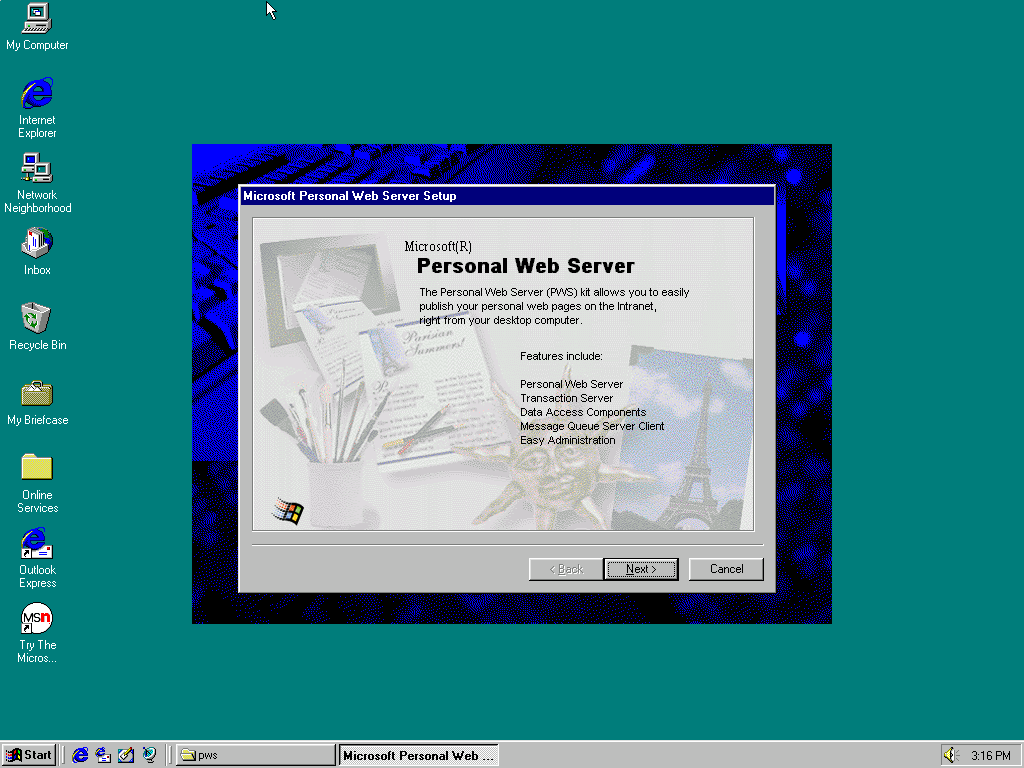
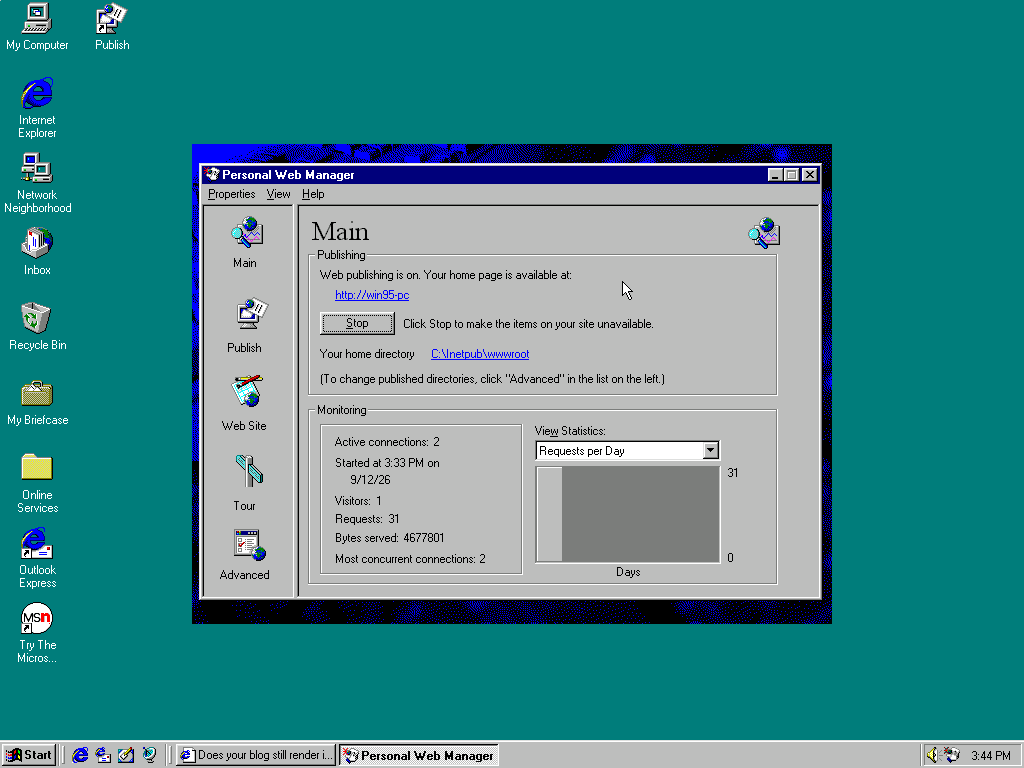
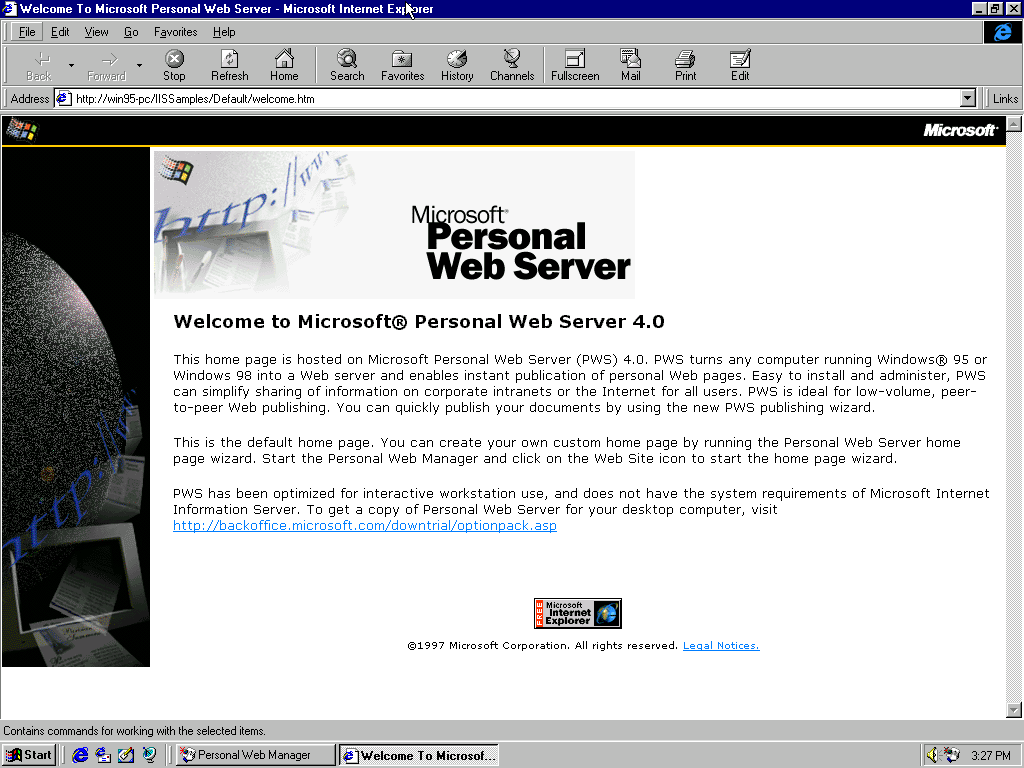
After the installation is all said and done, visiting http://<your-computer-name>, should pull up the following default welcome.htm from the included IISSamples directory.
Then, just like in the case of IIS, I copied all the statically generated HTML and related media to straight to the C:\Inetpub\wwwroot directory.
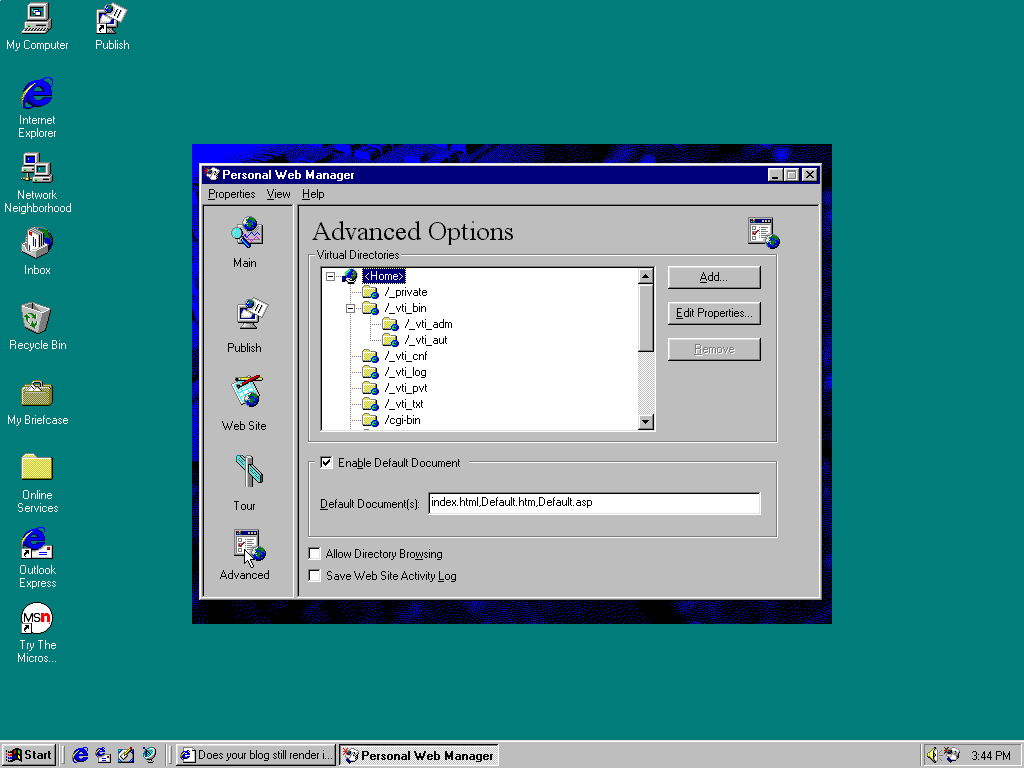
Finally, I added index.html to the list of Default Document(s), which can be done inside the Personal Web Manager > Advanced Options settings panel or tab.
Easy-peasy-lemon-squeezy, am I right, or what?
IE4
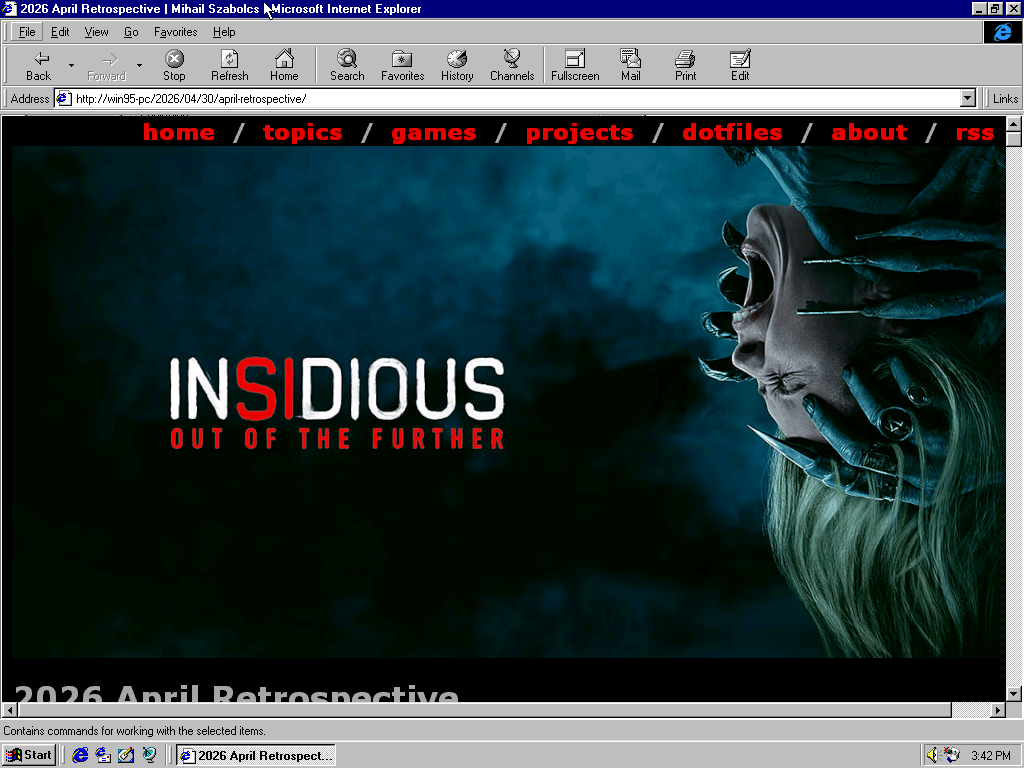
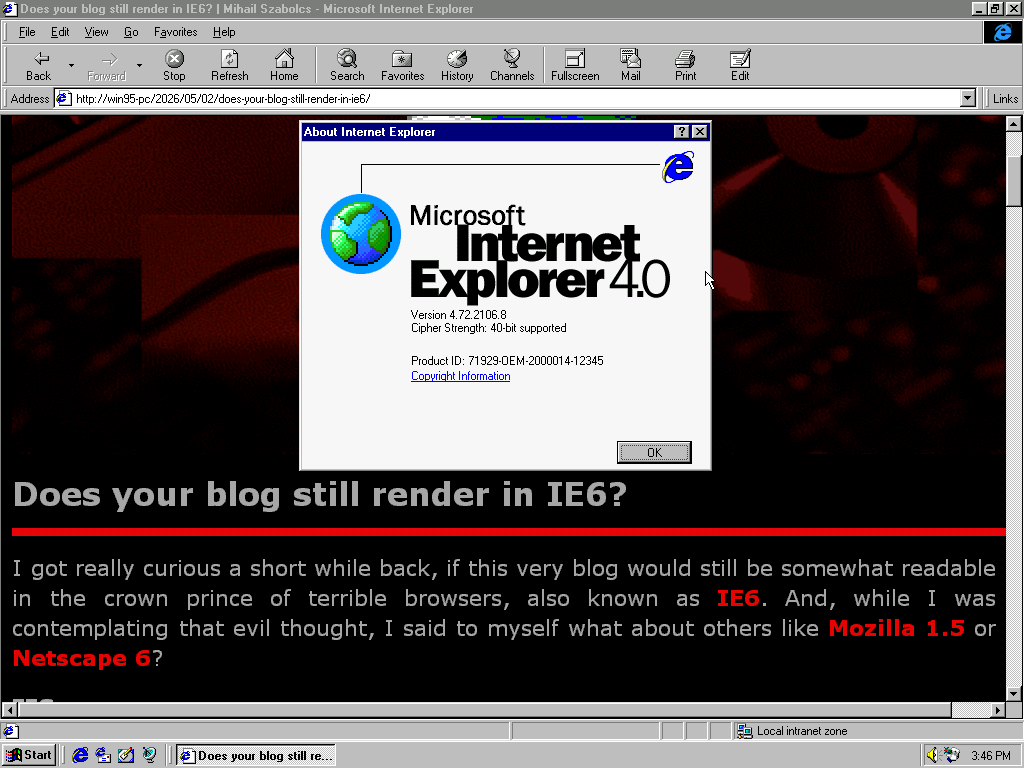
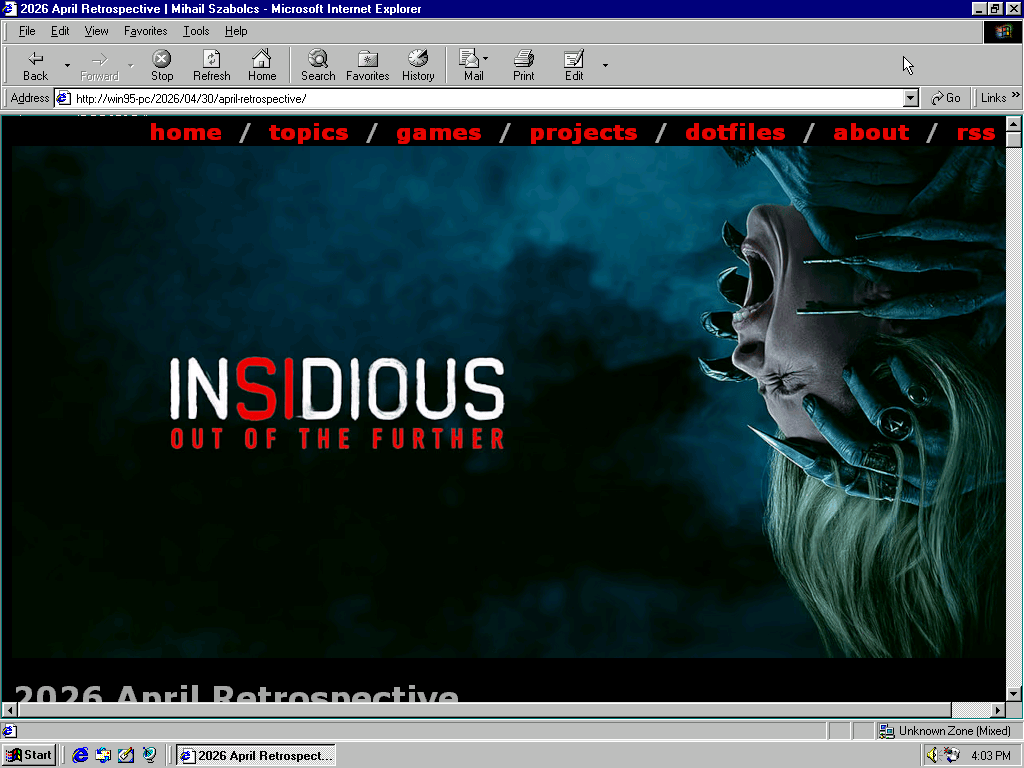
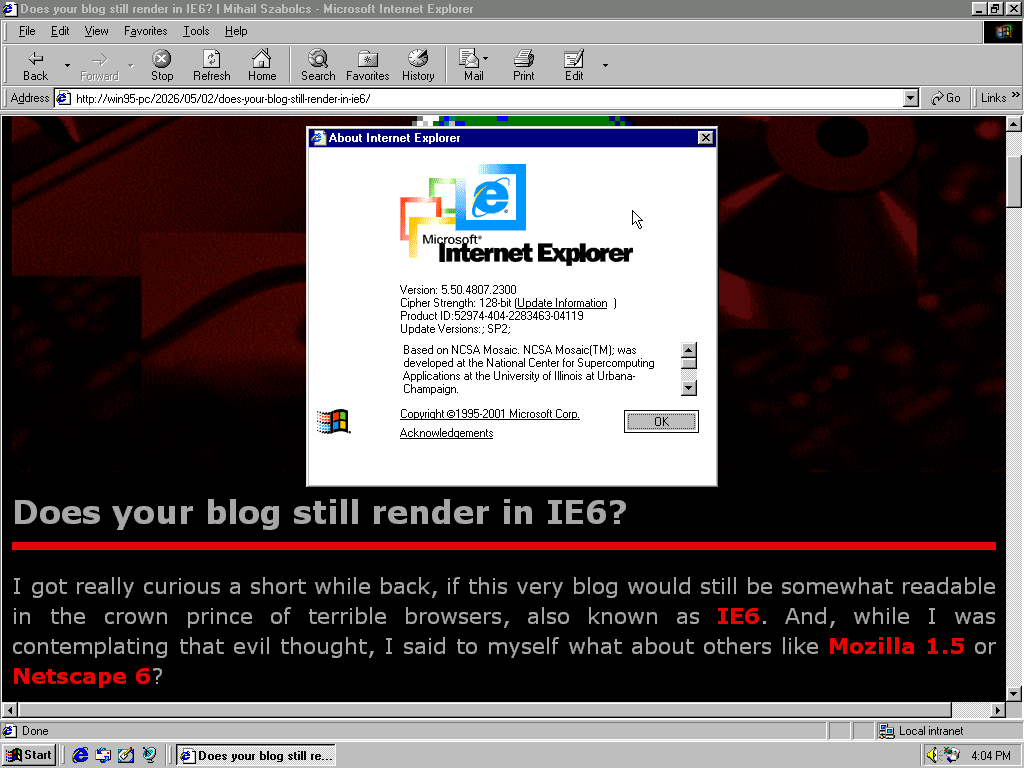
IE5.5 SP2
This is the last version of IE5 that can still be installed on Win95.
The “Final” Verdict
Unsurprisingly all the issues from IE6 can be found in both versions, but everything is still readable. Truth be told, it would be really nice to fix up the layout, tighten up the spacing and improve the font situation, but I am really not ready for that kind of a time-commitment at this point in time.
Besides, I have done it enough in the past, to the point where I should be getting bonus points for time-served as it were. I really don’t miss that experience at all, nor do I wish such pain on anybody else.
NS3: Gold
With that said, I would still be nice though, and at that point why stop there? Convert all images to GIF, and target something like IE3 or Netscape Navigator 3 Gold.
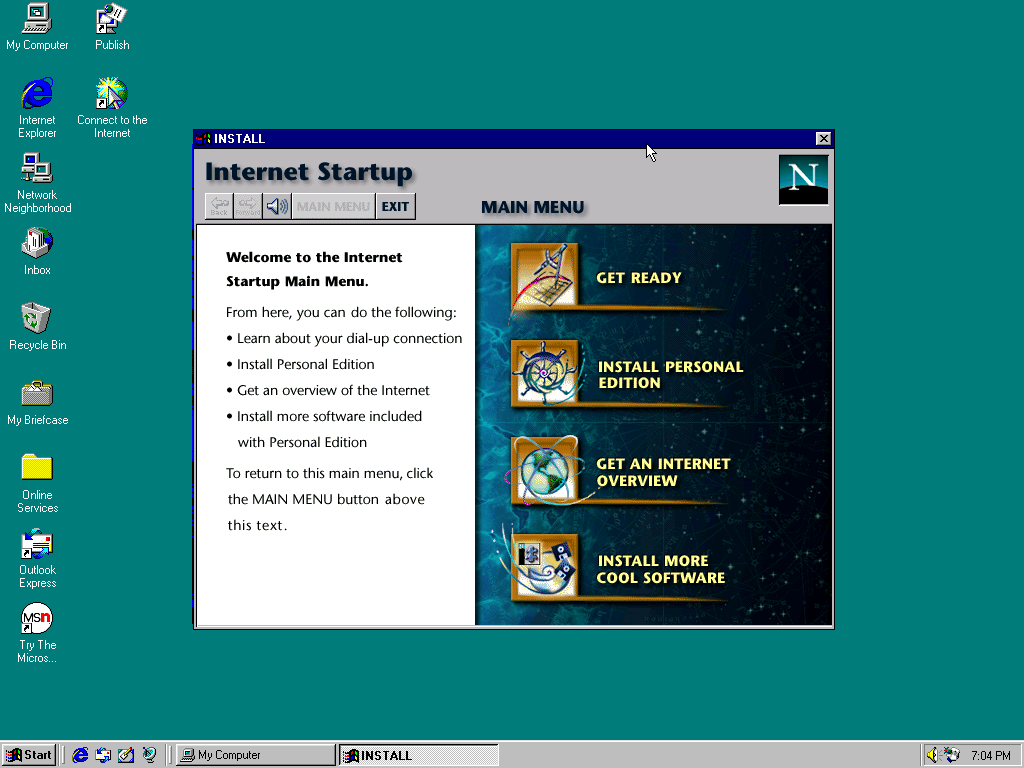
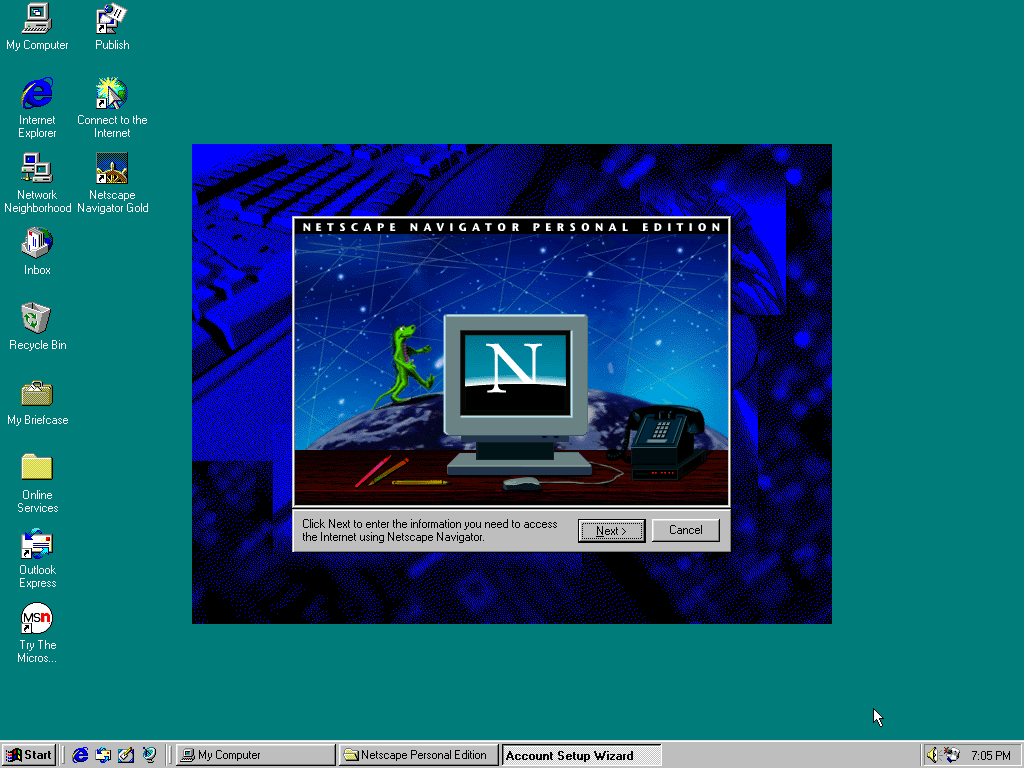
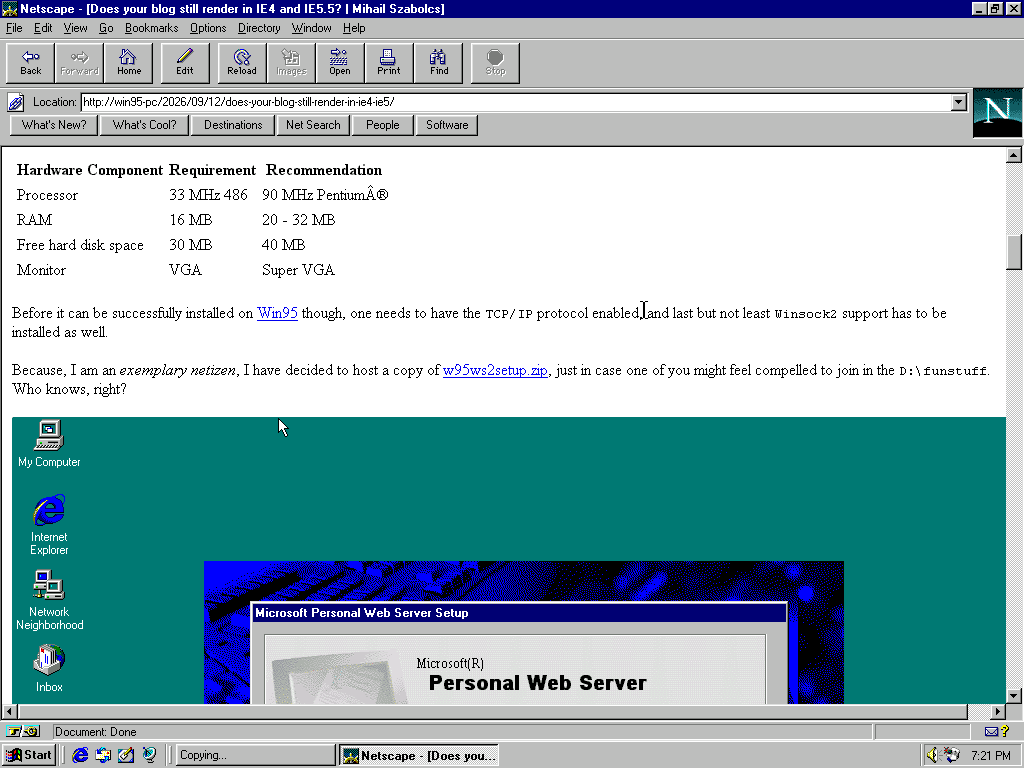
Given that I am quantizing all images to down to a 256 color palette, converting all of them to GIF, wouldn’t really be any hassle at all at the end of the day.
Anyway, that’s enough playtime with cursed old-tech for a day. Hi, bye!
2026-09-12 / www / digital-archeology